Otter.AI Pricing: Free vs Pro vs Business Plans
Updated: 02 Feb 2026
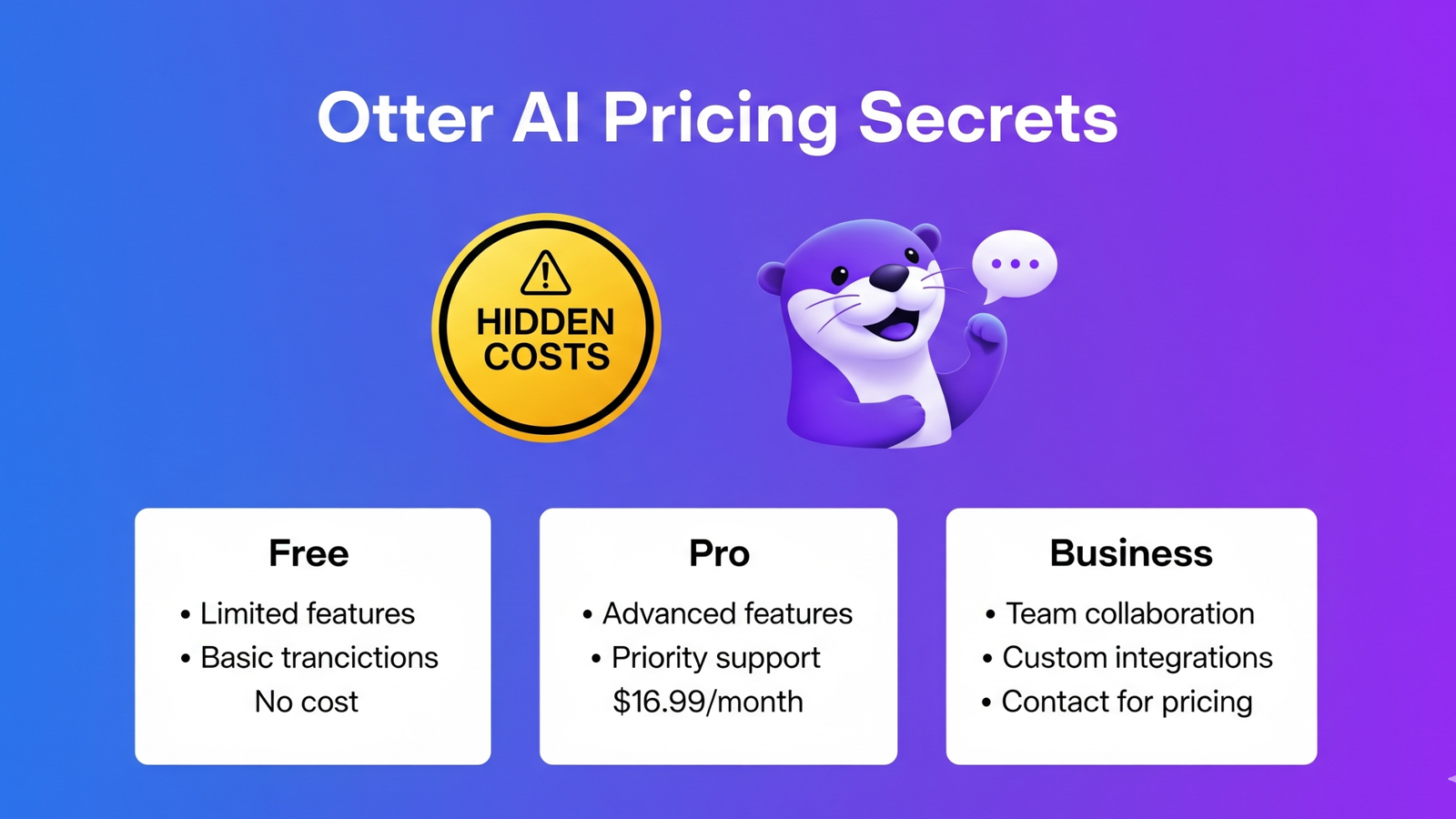
Otter AI is a useful tool that helps millions of users with audio transcription and speech-to-text conversion. But the Otter.AI pricing is confusing to many users and there is a fear of taking the wrong plan. The premium plans start at $8.33 multiplied by the number of seats per month on an annual basis but jump to $16.99/month.
The demand for transcription has increased. With the growing demand for transcription services, students, professionals, and businesses are all looking for affordable Otter AI plans. They want accurate, fast transcription that doesn’t strain their budget.
Recent research indicates that when people utilize transcription tools effectively, they save up to 75% of the time normally spent typing. This confirms that intelligent transcription pricing is a value-added service that enhances work efficiency in real-life scenarios.
Table of Contents
Otter.ai Pricing for the Basic Plan: How Much Does It Cost?
The Basic plan is $0/month (Free Forever). No credit card is required to sign up.
File import capabilities:
- 3 audio or video files include (life time limit)
- Plays popular audio (MP3, M4A, WAV) files.
- Video format (MP4, MOV) supports.
The tools of collaboration comprised:
- Zoom, MS Teams, and Google Meet
- AI Chat within and across meetings
- AI meeting workflows
- Live transcription
- Speaker identification
- Audio recording playback
- Multi-language support
- iOS and Android apps
Here is a list of several restrictions that affect users heavily in the free plan:
Time restrictions:
- There is a time constraint of 30 minutes when talking which leads to interruptions.
- The 300 monthly minutes do not last long when used frequently.
- None to next month, no overrun
Import limitations:
- Lifetime file imports Limit extensively to batch processing.
- None of the cloud storage integrations.
- Less file formats than paid services.
How much does the Otter AI Pro plan cost?
Here is Otter AI Pro plan pricing breakdown with significant savings for an annual commitment:
Annual billing option:
- $8.33 per seat monthly (billed as $99.96 annually)
- $16.99 per seat with monthly billing
- 51% savings with annual commitment
Student discount pricing: Students with .edu email addresses receive additional discounts:
- $6.67 monthly when billed annually ($79.99 yearly)
- $13.59 monthly with monthly billing
- 20% off regular Pro rates
What features and benefits are included in the Otter AI Pro plan?
Here are the key features and benefits of the Otter AI Pro plan:
Enhanced transcription capacity:
- 1,200 minutes monthly transcription allowance
- 90 minutes maximum per conversation
- Unlimited audio and video file imports
- Cloud storage integration with Dropbox
Advanced functionality:
- Advanced meeting templates
- Unlimited storage
- Team vocabulary & taggable speakers
- Advanced search, export & playback
- Zapier integration
Here are the drawbacks of Otter AI speaker identification feature
Training Requirements: The AI needs manual training to identify speakers, but even after training, performance remains poor.
Time-Consuming Process: Users report spending as much time tagging speakers as the meeting duration itself.
What does the Otter AI Business plan cost?
Here is the Otter AI Business plan pricing structure:
Per-user annual pricing:
- $20 per user monthly (billed annually at $240 per user)
- $30 per user monthly with monthly billing
- 33% savings with annual billing
- Minimum 3 users required for Business plan activation
Team scaling costs examples:
- 5-user team: $100 monthly (annual) or $150 monthly
- 10-user team: $200 monthly (annual) or $300 monthly
- 25-user team: $500 monthly (annual) or $750 monthly
What features does the Otter AI Business plan offer?
Here are the key features and benefits of the Otter AI Business plan offered to its users:
Expanded transcription capacity:
- 6,000 minutes per user monthly
- 4-hour maximum per conversation
- Unlimited file imports per user
- Priority processing for faster transcription
Advanced team collaboration:
- Enhanced admin features: activity logs, usage analytics, and more
- Join 3 concurrent meetings
- Prioritized support
Here are some clear limitations as users often find the interface complex and the extra admin options add to the confusion”
- Dashboard Complexity: The admin page introduces a number of baffling sections and options that bombard end users.
- Poor Consistency: The users have poor-quality transcription, which is annoying particularly considering the high price.
- Action Items that are not good: Action item detection is not within business standards.
What is found in the Otter AI Enterprise plan?
Here are the pricing factors of the Otter Enterprise plan:
Enterprise average price ranges:
- Small businesses (50-100 users): between $6000 and $15000 per year.
- Medium (100-500 users): $15,000- $35,000 per year.
- Big business (500 or more users): $35,000 or more per year with custom deals.
- Mean price: $6323 per year (calculated on 16 transactions that Vendr monitored)
- Highest recorded: $35,000 annually
Specific support and services:
- Single Sign-On (SSO)
- Enterprise-grade security & controls
- Domain capture
- HIPAA compliance
- Custom integrations (CRM, dialers)
- Video replay for Zoom and Google Meet
- Dedicated Customer Success Manager
Even at the Enterprise level, Otter AI integration limitations cause significant operational challenges:
Limited Platform Support: Only works with Google Meet, Zoom, and Microsoft Teams – excluding other popular business platforms.
Complex Permission Management: Teams struggle with access control and recording permissions across platforms.
Setup Difficulties: Enterprise customers report ongoing issues with video platform configurations.
What are the hidden costs and restrictions of Otter AI Plans?
Here is a list of monthly minute limitations with serious consequences:
Usage monitoring requirements:
- Free plan: 300 minutes exhausted in ~10 hours of transcription
- Pro plan: 1,200 minutes consumed in ~40 hours/month
- Business plan: 6,000 minutes per user equals ~200 hours monthly
Critical overage handling:
- No overage minutes available for purchase
- Service completely stops when monthly limits are reached
- Users must upgrade plans or wait until the monthly reset
- No rollover of unused minutes to the following months
File import limitations (Free plan):
- Limited to 3 audio/video files ever (not monthly)
- This restriction is permanent on the account
- No reset option or additional imports possible
- Upgrade to Pro required for unlimited imports
These hidden limitations often surprise users after they’ve committed to a plan, leading to unexpected upgrade costs or service interruptions.
Conclusion
Select the Otter AI Pro plan ($8.33/month/year) in case you are an individual who requires more advanced transcription features and a higher capacity. It is also the most affordable plan since most users will save 51% when using the annual billing option. Enterprise plans suit large organizations requiring security, compliance, and custom integrations based on their needs.
The Free plan is suitable for those who infrequently use it, but frequent users will soon get annoyed with the 300 minutes monthly cap and 30-minute chat limits. The Pro plan is found to be the optimal combination of features, capacity and cost to most active users who require transcription services.
Looking for alternatives? You might find Fathom Notetaker a useful option for quick and simple meeting summaries.
Otter.ai offer a free Basic plan. It gives 300 minutes of transcription each month (30 minutes max per call). You get basic features but limited exports.
Otter.ai is an AI helper for meetings. It listens your calls, writes everything down live, finds action items, and makes short summaries. It works with Zoom, Teams, Google Meet, Slack, and more. Great for work meetings, classes, interviews, or podcasts.
- Reporters: Labels who speaks and finds quotes fast.
- Students: Turns lectures into easy notes.
- Teams: Shares notes everyone can edit.