Best AI Design Tools 2026: Logos, Images, 3D & Slides
Published: 9 Aug 2026
You’re a solo freelancer and work with five open browser tabs. Your client deadline is six hours, and you have no budget for a designer, a 3D artist, and a slide deck specialist. This is exactly the gap the best AI design tools 2026 has to offer. It was built to close, and most of them now do more than one job at once. Instead of hiring three specialists, you easily generate a logo before lunch, a hero image before your coffee gets cold, and a client-ready deck before your next call.
I’m Aleena Amin, and I’ve spent the last several weeks pulling every AI design tool. MixLum has reviewed them in one place and tested them the way a freelancer actually does it alone on a deadline with a client waiting. This guide walks through logo makers, image generators, 3D tools, and presentation builders, and links out to the full hands-on review for each one.
Table of Contents
| Which AI Tools Make the Best Logos and Brand Kits? |
|---|
|
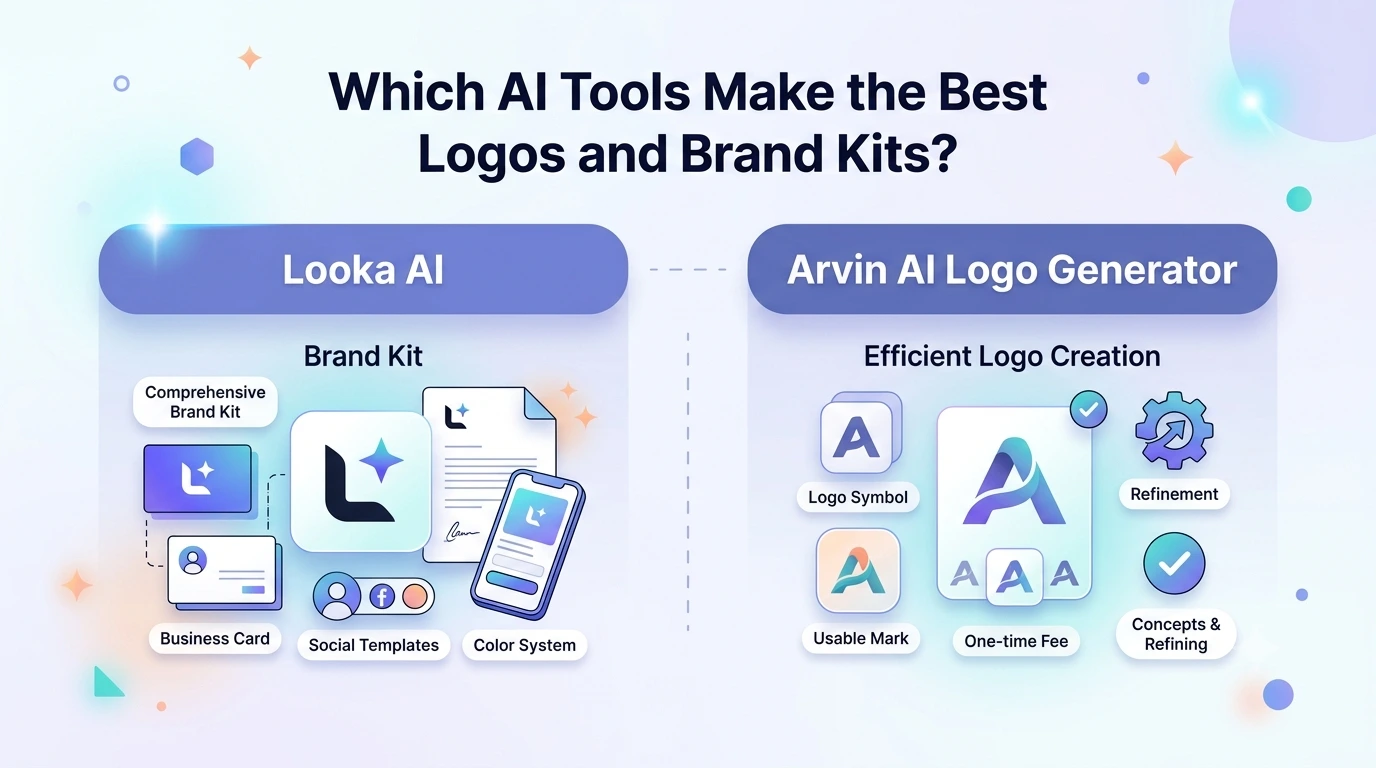
Here are the two logo generators freelancers ask about most, and how they actually differ once you’re past the landing page. Looka AILooka AI tool builds a full identity, not just a mark. When I generated a logo with Looka, it asked for my industry and three style preferences before showing any options. The free preview was genuinely usable for gauging fit before I paid a cent. That upfront questionnaire is what separates it from generic template pickers. Looka works especially well for freelancers who need a brand kit fast. Business card layouts, social templates, and color systems all bundle in once you commit to a plan. That matters if you’re pitching a small business client who needs a logo, an Instagram template, and a letterhead by Friday. It is not just a single mark. Read the full Looka AI review, pricing breakdown, and logo maker guide for exact tier costs and export formats. Arvin AI Logo GeneratorArvin takes a more budget-conscious approach, aimed at freelancers who want a usable mark without a recurring subscription. It generates concepts quickly from a name and a few descriptors, then lets you refine typography and icon pairing before export. For a freelancer pricing a small logo project for a client on a tight budget, a one-time fee is often easier to justify than adding another monthly tool to the stack. What Are Arvin’s Refund and Pricing Policies?Arvin’s refund window runs 5–10 business days, longer than most competitors in this space, which matters if a client rejects a direction after purchase. The full Arvin AI Logo Generator review covering features, pricing, and refund policy breaks down exactly when that window applies. |
What Makes the Best AI Design Tools 2026 Has to Offer Worth Using?
Here are the shifts that actually matter if you’re picking tools on a freelancer’s budget instead of an agency’s.
Speed Over Skill
AI design tools now compress work that used to take days into minutes. A logo concept with a background removal, or a first-draft deck no longer requires specialized software training. It is just a clear prompt and a willingness to edit what comes back. That shift matters most for solo freelancers who don’t have a design team to lean on when a client asks for something outside their usual skill set.
Freelancers Lead Adoption
Independent workers are adopting these tools faster than salaried teams, because the payoff is direct and fewer hours billed to production but more hours billed to strategy. According to Fiverr’s freelancing and future-of-work report, 76% of freelancers now use AI tools with 64% reporting increased productivity and average time savings of roughly 8 hours a week.
Quality Still Needs Editing
No tool here replaces judgment. As Upwork’s analysis of AI and graphic design, these tools aren’t here to replace designers. They’re here to work alongside them. Every output below still needs a human pass before it reaches a client.
Subscriptions Are Splitting Into Smaller Pieces
Instead of one expensive design suite, freelancers are stacking narrow, cheap tools: one for logos, one for images, one for slides. Each individual cost is small but it’s worth tracking the total monthly spend across tools the same way you’d track any other business expense, since three $15 subscriptions add up fast.
| Which AI Tools Generate and Edit Images Best? |
|---|
|
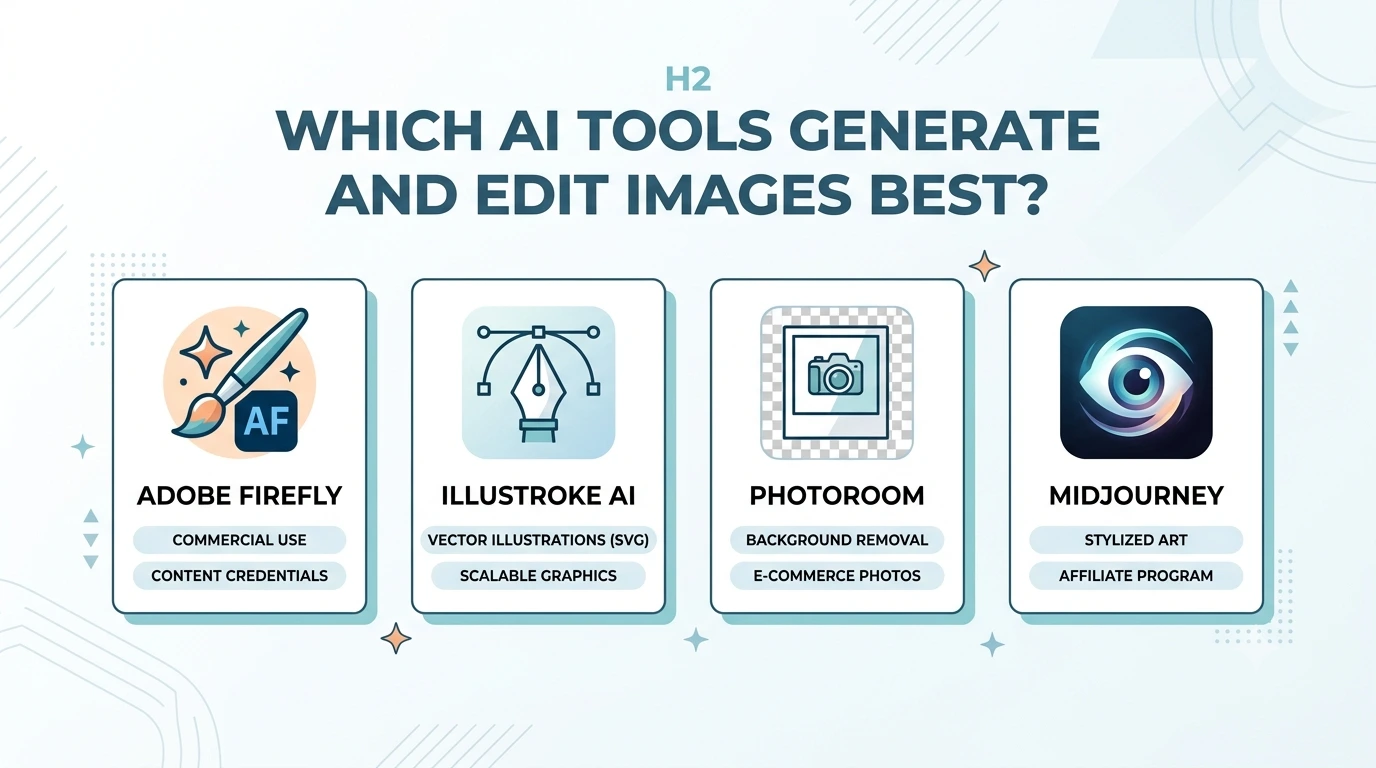
Here are the four image tools that come up constantly in freelancer workflows. It is from commercial-safe generation to one-click background removal. Adobe FireflyFirefly’s biggest selling point for freelancers isn’t image quality alone. Its every output carries Content Credentials metadata. It makes commercial use with clients far less risky than tools trained on unclear datasets. It’s built into Photoshop and Illustrator too, so it fits an existing Adobe workflow rather than forcing a new one. Adobe’s official Firefly page lists current plan tiers if you want to check pricing directly at the source. Our complete Adobe Firefly guide covering features, pricing, and use cases walks through the credit system and where the free tier runs out. Illustroke AIIllustroke solves a narrow but constant freelance problem. It needs a clean vector illustration for a landing page or deck without licensing stock art. Text prompts generate SVG files. It means they scale to any size without pixelation. It is useful if a client later wants the same graphic resized for a banner ad or a business card. For freelancers billing by deliverable, the token-based pricing model matters more than it first appears, since each generation request returns three variants rather than one. See the full Illustroke AI review of how it works for token math and output limits. PhotoRoomPhotoRoom is a background-removal specialist that’s become a default in e-commerce and social freelance work. Product photos, headshots, and marketplace listings all benefit from its one-click cutouts, and batch processing saves real time on multi-product client work. A genuine advantage of this tool is to get only if you’re managing a client’s entire product catalog alone. Check the PhotoRoom review covering features, plans, and use cases before committing to a paid tier, since the free plan’s export resolution is limited. Midjourney (and Earning Through Its Affiliate Program)Midjourney remains the benchmark for stylized, high-concept imagery. Their mood boards, concept art, and campaign visuals where photorealism isn’t the goal. For freelancers who already recommend it to clients, there’s a second angle worth knowing. An affiliate program that pays out on referred subscriptions. Our guide on how creators can earn through the Midjourney affiliate program covers payout structure and how to apply. |
What Are the Best AI Tools for 3D and Presentation Design?
Here are the two tools that extend AI design work past flat images, into 3D scenes and finished decks.
Spline AI
Spline runs entirely in the browser and turns text or reference prompts into interactive 3D objects and scenes. Freelance web designers use it to add depth to landing pages without touching a traditional 3D pipeline like Blender, and the output embeds directly into most site builders without a plugin.
The complete guide to Spline AI as a 3D design tool covers export formats and how it embeds into live sites.
Gamma AI
Gamma turns a rough outline into a formatted slide deck in minutes. It matches the tone and layout to the content rather than forcing text into a rigid template. For freelancers who pitch clients regularly, that’s hours saved every single week. It is especially on proposal decks that used to eat an entire afternoon.
See the Gamma AI presentations guide for smarter, faster slides for a breakdown of its export options and collaboration features.
How Do You Choose the Right AI Design Tool for Your Use Case?
Here’s a side-by-side view to help you match the tool to the job instead of the hype. Most solo freelancers don’t need all eight tools at once. Pick the one or two that match the client work you already have on your plate this month, then add more as new project types come in.
| Tool | Best For | Free Tier | Freelancer Fit |
| Looka AI | Logo + full brand kit | Preview only, pay to download | Great for fast client-ready branding |
| Arvin AI Logo Generator | Budget logo, one-time cost | Limited concepts | Best when a subscription isn’t worth it |
| Adobe Firefly | Commercially safe image generation | Yes, watermarked | Strong if you already use Photoshop |
| Illustroke AI | Vector illustrations for web/decks | Token-based trial | Good for one-off landing page assets |
| PhotoRoom | Background removal, product shots | Yes, limited resolution | Ideal for e-commerce/social freelancers |
| Midjourney | Stylized, high-concept imagery | No, subscription only | Strong for concept art and mood boards |
| Spline AI | Interactive 3D scenes | Yes, limited exports | Good for web designers adding depth |
| Gamma AI | AI-generated slide decks | Yes, limited decks | Saves real hours on client pitches |
A freelance illustrator I spoke with recently described her stack as three tools doing the work she used to outsource to a small studio. A logo generator for client branding, an image tool for hero visuals, and a slide generator for pitch decks. She isn’t replacing her craft with any of them. She’s replacing the parts of the job that never needed her craft in the first place.
My own take, after testing across all eight tools this month: the free tiers are more useful than most roundups give them credit for. Looka’s questionnaire-then-preview flow, in particular, lets me judge fit before spending anything, It is exactly the kind of low-risk test a solo freelancer needs before committing a client budget to a new subscription.
Conclusion
Picking from the best AI design tools 2026 has to offer isn’t about collecting every app on this list. Not a single tool on this list replaces a freelancer’s judgment, but together they cover the gaps that used to require hiring out a logo designer, a photo editor, a 3D artist, and a slide deck specialist for a single project. Start with whichever category matches your next deadline’s logos, images, 3D, or slides. You easily use the free tier to confirm fit before paying. The tools that stick around in your workflow will be the ones that save real hours, not the ones with the flashiest demo.


- Be Respectful
- Stay Relevant
- Stay Positive
- True Feedback
- Encourage Discussion
- Avoid Spamming
- No Fake News
- Don't Copy-Paste
- No Personal Attacks
- Be Respectful
- Stay Relevant
- Stay Positive
- True Feedback
- Encourage Discussion
- Avoid Spamming
- No Fake News
- Don't Copy-Paste
- No Personal Attacks
